Skip to form
Medical practices

We use Meta and Google measurement tools to understand which ads work. Privacy noticeDo not use my data for advertising

Step 1 of 2

Create your practice’s website

Your services and visits in one place. Free to try, no card.

Your business
A few words are enough. You add your services, prices and hours later.

Create and try for freeNo card

Free to create and try, no card required. Choose a plan to publish.

An ordinary day at your practice

This is how your page works while you serve your customers.

Example with a made-up business, not a real client.

  1. 9:10Opening the practice

    Someone checks what a visit costs

    They see the general visit, the medical certificate and the check-up, each with its price and what it includes. No need to call and ask.

    Your catalogExample

    A page for medical practices

    • General visit · $400With photo, price and details
    • Dental cleaning · $600With photo, price and details
    • Nutrition plan · $500With photo, price and details
  2. 12:30In a consultation

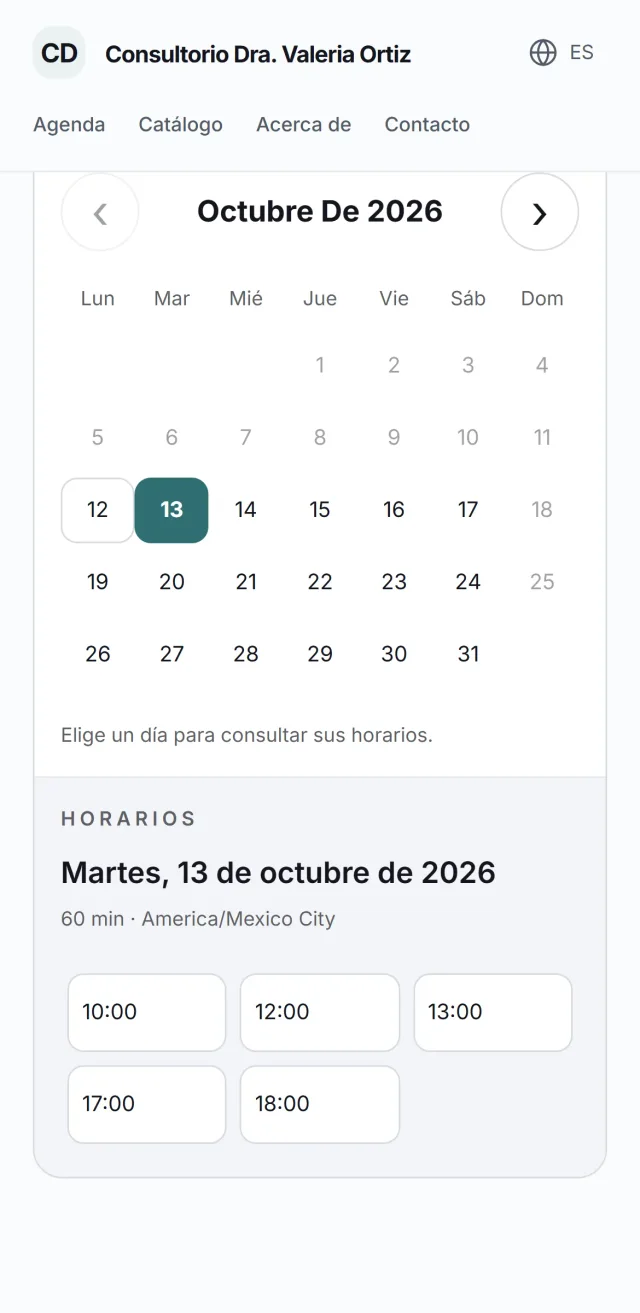
    Another patient books for Thursday

    They pick an open slot and the booking reaches you. You confirm it from your phone and the day before they get an email reminder.

    Your calendarExample

    Book an appointment

    ServiceGeneral consultation
    10:0012:0016:00

    Only the times you opened show up.

    It reaches you to confirm.

  3. 16:05Still seeing patients

    Someone asks if you open on Saturday

    Your page answers with your hours and opens the calendar to book. Medical questions are for the visit, not the chat.

    Your page’s chatExample

    Do you open on Saturdays?

    Yes, Saturdays from 9 to 2. Want me to open the calendar so you can book?

    Example with a made-up business. Your page answers with what you give it.

  4. 21:40Already closed

    Someone buys a general check-up

    With the Pro plan, they pay for it on your page. Tomorrow you see the order and give them a day and time.

    An orderPro

    Their cart

    • General check-upQuantity: 1
    1. They order from your page
    2. The order reaches you

    With the Pro plan. To take payments online you connect your payment account, which charges its own fee.

You care for the patient in front of you. Your page takes care of the next one.

Bookings wait on your phone so you can confirm them when you can.

Create my page for free

What your page does for you

See it working with your details before you pay.

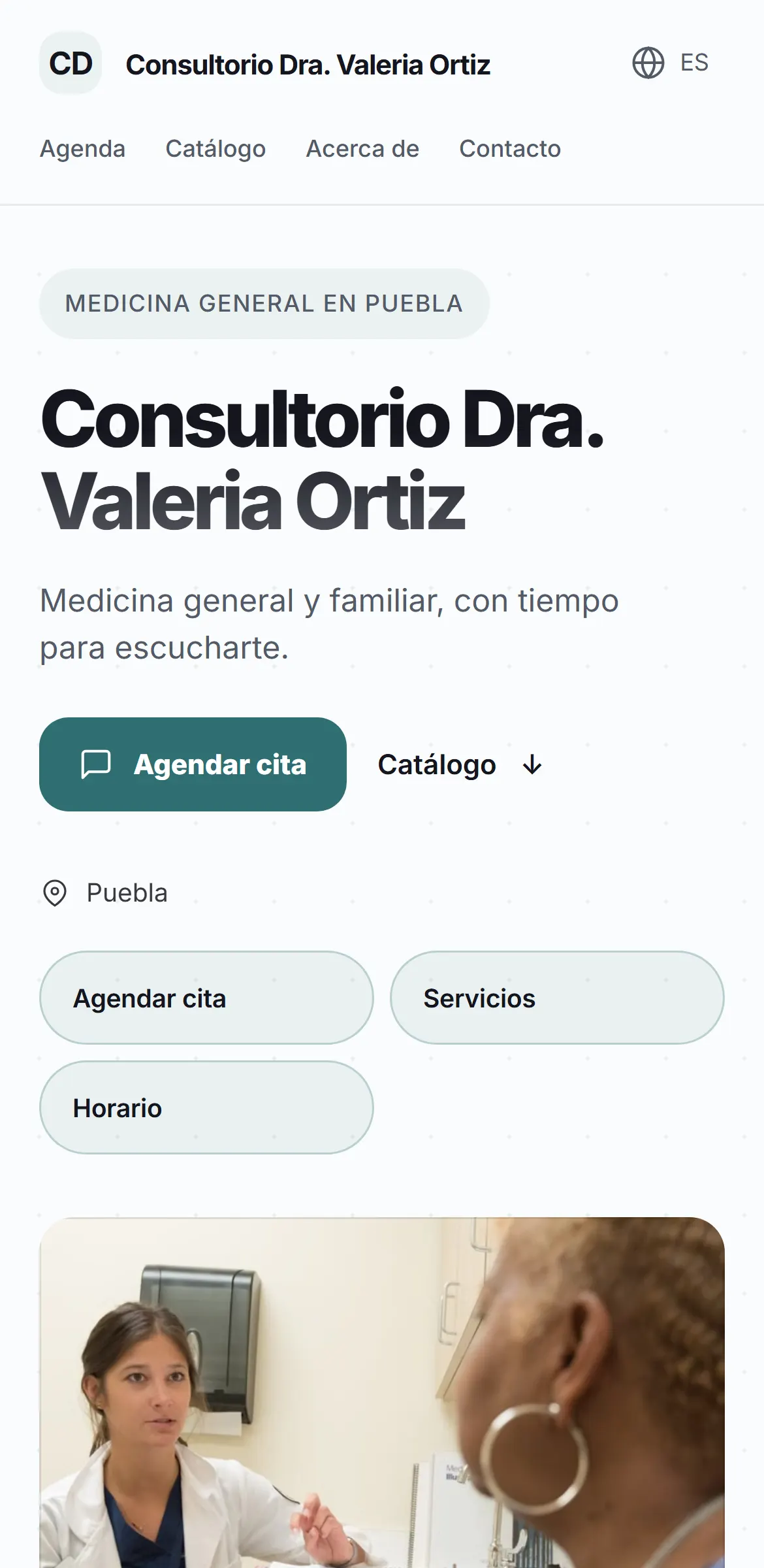
Site screenshot
  • Your page, with your name

    Your photos, hours and address in one link for Instagram, Facebook and your business cards.

  • Your services and prices, clear

    General consultation, medical certificate, general check-up: each one with its photo and price. What needs a booking goes in your calendar; what is bought goes in the cart with the Pro plan.

  • Answers what people always ask

    Hours, prices, where you are, what to bring. It answers with what you teach it, and you can correct it anytime.

  • Your calendar, open at any hour

    They see your open slots and book an appointment. It reaches you and you decide whether to confirm.

  • Every contact is saved

    Name, phone and email of whoever books or asks, in your dashboard, ready for follow-up. In health care, you can require them to accept your privacy notice first.

  • Several calendars, one per personPro

    If there are several of you, each one has a calendar and hours, and clients choose who. Up to 4 calendars.

  • Sell your check-upsPro

    The general check-up and your packages are bought on your page. Patients pay online or in cash and the order reaches you.

  • Video consultations

    Add it as one more service: patients book it the same way and you send them the call link.

What you can put on your page

A few ideas to start with.

  • General medicine. First visits and follow-ups, each with its price.
  • Certificates. For school, work or sports, booked ahead.
  • Check-ups.Pro Patients buy it on your page and you give them a time.
  • Online visits. By video call, in the same calendar as in-person visits.
  • Pediatrics. What to bring to a child’s visit, said up front.
  • Practices with several doctors.Pro Each doctor has a calendar and patients choose who to see.

Your page vs. answering everything by message

What you getYour pageMessages only
Your services with prices on your own siteYesNo
They book visits in the hours you openedYesNo
Every booking alerts you, and patients get a reminderYesNo
Answers prices, hours and location even while you are with a patientYesNo
Every patient is saved so you can follow upYesNo

Start free. Pick your plan when it is ready.

Price per site. No contracts, no surprises: cancel anytime.

Create your site and try it fully from your panel, no card. Publish it when you pick a plan.

Básico

They book, you confirm.

$349$199MXN/mo

Launch price for the first 30 new sites.

VAT included.

  • Online booking and an email reminder the day before

  • Contact form and contact list
  • Assistant trained with your information
  • Email alert for each contact
  • Your services with prices
  • Your link published and ready to appear on Google
  • Charging at booking is Pro
Create my page for free

You pick your plan after seeing your site.

Recommended

Pro

Plus, appointment booking with reminders.

$599$299MXN/mo

Launch price for the first 30 new sites.

VAT included.

  • Everything in Basic
  • Appointments: they pick a time and you confirm
  • Patient reminder one day before
  • Several calendars, one per specialist
  • Patient follow-up with stages and notes
Create my page for free

You pick your plan after seeing your site.

See how your practice’s page would look

We create it with your details and you see all of it before paying.

  1. 1

    Create your free demo

    With your details, in minutes. Try it for 14 days, no card.

  2. 2

    Make it your own

    Change photos, prices and what it answers.

  3. 3

    Publish it when you are sure

    Pick your plan and share your link.

Create my page for free
  • Free to start
  • No card
  • See it complete before you pay